
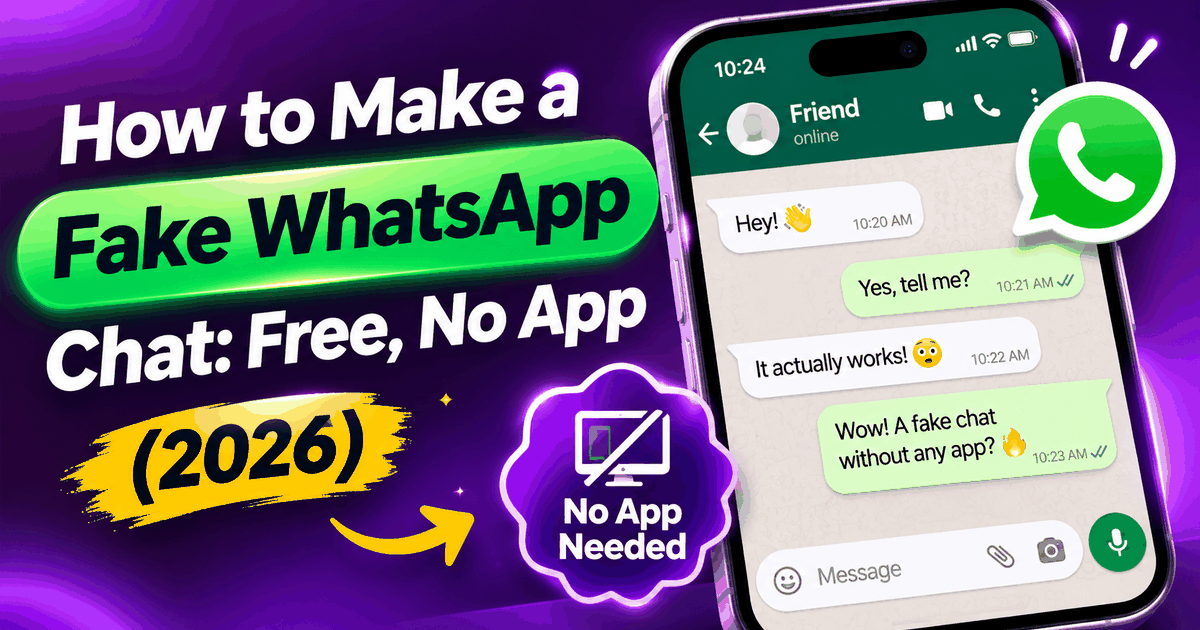
How to Make a Fake WhatsApp Chat (Free, No App) for Memes and Videos
Want to know how to make a fake WhatsApp chat for a meme, a Reel or a chat story video? You can do it in about a minute, for free, right in your browser. We built a fake WhatsApp chat generator for exactly this. You type the messages, pick Android or iPhone, light or dark, and download a sharp PNG. No app, no signup, and your messages never leave your phone. In this guide I'll show you how to use it, how to make the screenshot look real, how to turn it into a video, and where the line is between a joke and trouble.
How to Make a Fake WhatsApp Chat in One Minute
You don't need to install anything, and you don't need an account. Open the tool on your phone or laptop and you're ready.
- Open the fake WhatsApp chat generator. It starts with a funny example, so you can see how it works. Press Empty chat if you'd rather start clean.
- Type the contact name. Emoji work too, so "Mom ❤️" or "Boss 💼" is fine. Pick a status like online, typing... or last seen, and upload a profile photo if you want one.
- Write the messages. Choose Me for your green bubbles on the right or Them for the white ones on the left, type the text, set the time and press Enter.
- Add extras if the chat needs them. There are buttons for a photo, a voice note and a date label like Today.
- Pick the look. Android or iPhone, light or dark, plus the phone clock and battery level.
- Press Download PNG. The image is 1080 px wide, so it stays sharp when you post it.
The phone preview shows exactly what you'll get, so you'll see every change straight away. Closed the tab by mistake? Your chat's still there when you come back. It's saved on your own device, not on our server.
What You Can Change in a Fake WhatsApp Chat Screenshot
Most fake chat apps on the Play Store let you type text and that's about it. Then they hit you with ads, or lock voice notes behind a paid upgrade. I wanted ours to cover the small stuff that makes a WhatsApp screenshot look like a WhatsApp screenshot. For free.
At the top, you set the contact's name, their photo and the status line under it. Each message gets its own time. Every message you send can show two blue ticks, two grey ticks, one grey tick or none, and you'll pick that per message. You can also drop in a photo with a caption, a voice note of any length (say 0:14), and date labels between messages.
For the phone itself, you choose the Android or iPhone look, light or dark theme, the clock and the battery. On iPhone you'll also get the unread number next to the back arrow, like 23. Don't want the doodle wallpaper or the typing bar? Hide them. And yes, you can turn off the small jtsmmpanel.com watermark too.
Make a WhatsApp Chat Story Video for Reels, TikTok and Shorts
Chat story videos are everywhere right now. Scroll TikTok for five minutes and you'll see one. A fake conversation fills the screen one message at a time, there's a trending sound or an AI voice reading it out, and the punchline lands in the last second. They cost nothing to make. And people watch till the end, which is exactly what TikTok, Reels and Shorts reward.
You've got two easy ways to make one.
Way 1: one long screenshot
Write the whole chat, then tick Long screenshot. The image grows to fit every message, so a 12-message chat might come out around 1080 × 3000 px. Drop it into CapCut, make it fill the width of a 9:16 frame and add a slow pan from top to bottom over 10 to 20 seconds. Add a sound. Done.
Way 2: one image per message
This one looks closer to the real thing, and it's what most big chat story pages do. Add the first message and download. Add the second and download again. Keep going till the chat's finished. You'll end up with files like chat-01.png to chat-12.png. Put them in your editor in order, 1 to 2 seconds each, and the messages pop in one by one. Set the status to typing... on the frame just before a reply. It builds the wait.

Tips to Make Your Fake WhatsApp Chat Look Real
It's the small details that give a fake chat away. Here are the ones I see people get wrong most.
Watch the times. The tool adds one minute for each new message, which is a good start. Real replies don't work like that, though. Someone answers at 9:02, then 9:07, then nothing till 10:41. Change a few so they don't all climb by exactly one minute.
Match the phone clock to the chat. The clock at the top should show the same time as the last message, or a bit later. A clock at 9:15 above a message sent at 10:40? People spot that in a second.
Get the ticks right. If the other person replied, your messages before that reply should have blue ticks. Messages you sent after their last reply usually still have grey ticks.
Split long messages. Real people send three short messages more often than one long paragraph. The tool groups bubbles from the same person together, just like the app does.
Add a date label at the top, like Today or Yesterday. Tiny detail. Big difference.
Fake WhatsApp Chat Ideas That People Share
Stuck on what to write? These formats get shared again and again.
A chat with Mom is the classic. She sends a 3:42 voice note, a blurry photo of the cat, or GOOD MORNING in all caps at 6:15 am, and the reply is "ok". Everyone's had that chat. That's why it works.
The wrong number chat is great for stories. Someone texts the wrong person, and the stranger plays along. You can stretch it over a few posts.
Boss chats do well on Mondays and Fridays. Think of a sick day excuse that falls apart when the employee posts a beach photo by mistake.
For a business page, a customer chat can show how an order works, like a cake order with a photo and a price. Just make it clear it's an example and not a real customer. I'll come back to why that matters in the next section.
Is It Legal to Make a Fake WhatsApp Chat?
If you're making one for fun, you're fine. Jokes, memes, stories, videos, design mockups and lessons about online safety are what I built this tool for.
Using one to trick someone is a different story, and I'll be blunt about it. Don't use a fake chat as proof in an argument, a court case or a payment dispute. Don't use it to scam people or to make it look like a real person said something they didn't. In many countries that counts as fraud, forgery or harassment, and it can get you in real trouble. If your post shows a made-up chat with a real-looking name, say in the caption that it's made up.
Here's the flip side. Now that you know how easy these are to make, you shouldn't trust a screenshot someone sends you as "proof". A screenshot on its own proves nothing. If it really matters, ask to see the chat on their own phone.
Just so you know, our tool isn't made by or linked to WhatsApp or Meta. It draws its own screen in the WhatsApp style, and the WhatsApp name is only used to describe that style.
How to Get More Views on Your Chat Story Video
A good chat video can take off on its own, but the first hour matters a lot. TikTok and Instagram show a new video to a small test group first. If they watch and like it, it gets pushed further. If it sits at 200 views, it usually stays there. New accounts struggle most, since there aren't many people in that first group.
So post when your followers are online, put your hook in the very first message, and reply to the first few comments yourself. Some creators also give a new video a small push with views and likes from an SMM panel so it doesn't sit at zero. If you go that way, keep it small and natural, and read is an SMM panel safe for TikTok and the Instagram version first. Our services are on the TikTok SMM panel and Instagram SMM panel pages.
Final Thoughts on Making a Fake WhatsApp Chat
Making a fake WhatsApp chat takes a minute. Making one that looks real takes a bit more care. Times, ticks, the clock. Keep it short, keep it funny, and don't pretend it's real when it isn't. If you'd rather make an iPhone text, we have a fake iMessage generator that works the same way, and more on the free tools page.
Frequently Asked Questions
How do I make a fake WhatsApp chat?
Open a fake WhatsApp chat generator, type the contact name, add messages as Me or Them with a time, pick Android or iPhone and light or dark, then download the PNG. It takes about a minute and needs no app.
Is there a free fake WhatsApp chat generator with no app?
Yes. The JTSMMPANEL fake WhatsApp chat generator is free, runs in your browser and needs no signup. A small watermark is on by default and you can turn it off.
Can I make a fake WhatsApp chat on iPhone?
Yes. The tool works in Safari, and you can pick the iPhone look so the status bar, back button and typing bar match an iPhone screenshot.
How do I make a WhatsApp chat story video?
Either make one long screenshot and scroll it in a video editor, or download one image after each new message and play them in order, about 1 to 2 seconds each.
Can people tell a WhatsApp chat is fake?
They can if the details are off, like times that don't match the phone clock or wrong ticks. Change a few times, match the clock and use blue ticks only before a reply.
Is it illegal to make a fake WhatsApp chat?
Making one for jokes, videos, stories or mockups is fine. Using it as fake proof, to scam someone or to pretend to be a real person can be illegal in many countries.