
How to Pay for an SMM Panel with MoMo in Vietnam (2026 Guide)
Yes, you can pay for an SMM panel with MoMo in Vietnam. On JTSMMPANEL you don't pick "MoMo" as a button. You pick ACB Bank, then scan the QR code or send a normal bank transfer from your MoMo or ZaloPay app, and the panel adds the money to your balance on its own. We get this question in support almost every week from customers in Hanoi and Ho Chi Minh City, so I'll show you the exact steps, what to type in the memo, and what to do if the money doesn't show up.
Can You Use MoMo on an SMM Panel?
Short answer: yes, just not the way most people expect. MoMo doesn't let foreign websites take payments straight from your wallet, so you won't find a "Pay with MoMo" button on most SMM panels, ours included.
What MoMo does let you do is send money to any Vietnamese bank account. That transfer goes through the Napas 247 network, which runs 24 hours a day, 7 days a week, so it arrives in seconds, even at 2 a.m. or on a Sunday. Our payment system checks the ACB account, finds your transfer by its memo and tops up your balance in USD. You don't have to send a receipt or message anyone.
So when people ask me "does JT take MoMo?", I say yes, through ACB. Same for ZaloPay, VNPay and every banking app in Vietnam.
Payment Methods for an SMM Panel in Vietnam
Here's what customers in Vietnam can use on JTSMMPANEL right now. Pick whatever you already have on your phone.
| Method | How you pay | Bonus | Good for |
|---|---|---|---|
| ACB Bank (auto) | QR or transfer from MoMo, ZaloPay or any bank app | Up to 7% from $50 | Most people in Vietnam |
| Binance Pay (USDT) | Pay from your Binance app | 3% from $50, 6% from $100 | People who already use Binance |
| Bybit, MEXC, Bitget and more | Exchange pay, automatic | 7% | Resellers and big top-ups |
| Cryptomus / Heleket | BTC, USDT, ETH and more | 7% | If you hold other coins |
| Visa / Mastercard / Amex | Card checkout | None listed | International cards |
If you're new, start with ACB. You pay in VND, so there's no dollar card and no crypto to learn. The minimum is just $1, so you can test it with a small amount first.
ACB bonus: how much extra you get
Top up more and the panel adds a bit extra to your balance. It's 1% from $50, 2% from $100, 3% from $300, 4% from $500, 5% from $1,000, 6% from $5,000 and 7% from $10,000. So a $100 top-up gives you $102 to spend.
How to Add Funds with MoMo (Step by Step)
This takes about two minutes the first time. After that it's even faster, because your phone remembers the account.
- Log in to JTSMMPANEL and open Add Funds.
- Choose ACB - Vietnam Bank Payment from the list.
- Type the amount you want to add in USD and press Pay.
- On the payment page, choose Vietnam, then ACB Bank, and press Continue. You'll see a QR code, the amount in VND and a memo (nội dung chuyển khoản).
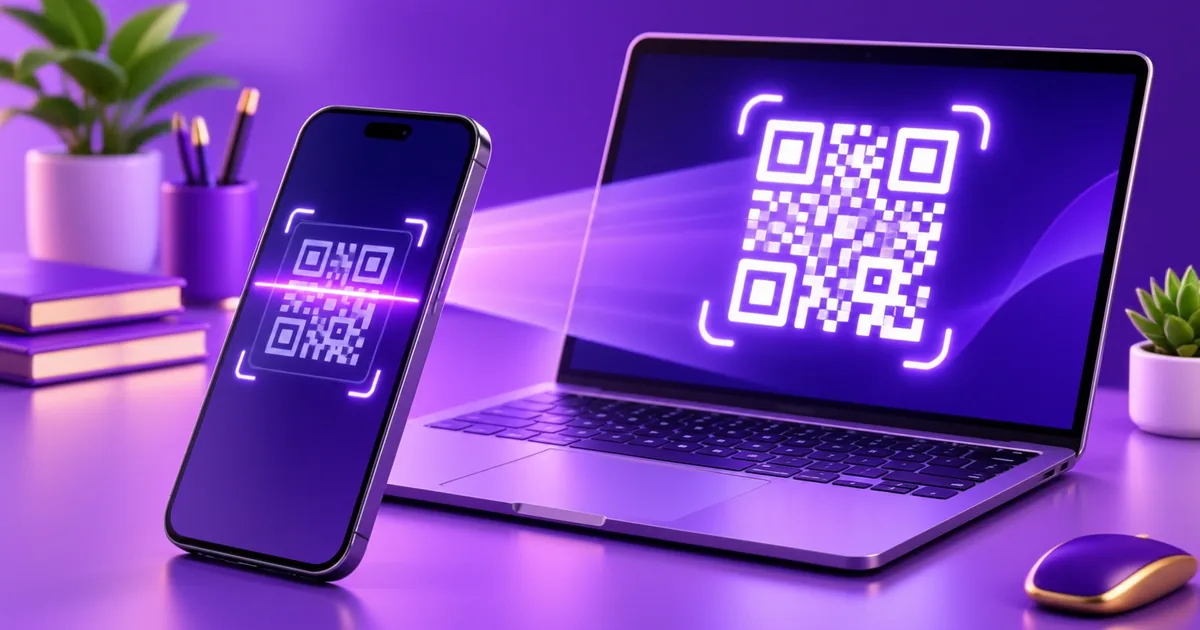
- Open MoMo and scan the QR code. Or tap Chuyển tiền, then Chuyển đến ngân hàng, pick ACB and paste the account number.
- Check that the VND amount and memo match the invoice exactly. Don't change a single letter.
- Confirm with your PIN or face ID. Keep the payment page open, and the system confirms it and adds your USD balance on its own.
Paying with ZaloPay or a bank app
It's the same idea. ZaloPay and almost every bank app can scan the same QR code. In Vietcombank, Techcombank, MB Bank or any other app you can also make a normal fast transfer (chuyển nhanh 24/7) to the ACB account. Same amount, same memo.
MoMo vs ZaloPay vs Bank App: Which Is Best?
Honestly, any of them works. What matters is the memo and the amount, not the app.
MoMo is what most of our Vietnam customers use, because it's already on their phone and the QR scan is quick. ZaloPay is just as good if you live in Zalo all day. A bank app is the safest pick for bigger top-ups, since wallets often have daily limits and banks usually don't.
One small thing to check: some wallets charge a fee for transfers to banks after a few free ones each month. If that happens, the fee comes out of your side, so make sure the amount that reaches us is still the full VND amount on your invoice.
MoMo Payment Not Showing? How to Fix It
Most "missing" payments aren't missing. They're just waiting to be matched. Here's what I'd check, in this order.
Wait 10 minutes first. Napas transfers are fast, but banks sometimes batch them, especially late at night or during Tết.
Check the memo. Open the transfer in your MoMo history and compare the memo with the one on your invoice. A missing or changed memo is the reason nine times out of ten.
Check the amount. If you sent a different amount, or a fee came off, the match can fail.
Check the invoice time. If you paid after the invoice expired, the system may not pick it up on its own.
Check the account. Make sure you sent it to the ACB account on that invoice, not to a saved contact from some other site.
Still nothing after 30 minutes? Open a ticket, choose Payment, and send a screenshot of the MoMo receipt with the time, amount and transaction ID showing. Our team checks it by hand and adds the balance. Please don't send the same payment again while you wait, because then we have two to sort out.
Best Services to Buy First in Vietnam
Once the money's in, what do people in Vietnam actually order? From what we see in support, it's mostly three things.
TikTok views and followers, for shops selling on TikTok Shop and for creators whose new video is stuck at 200 or 300 views. Start small and read our TikTok safety guide first.
Facebook page likes and followers, because a lot of small businesses in Vietnam still sell through Facebook pages. A page with 2,000 or 3,000 followers just looks more trustworthy to a new buyer than one with 40.
YouTube views and subscribers, mostly from channels working toward monetization. Go slowly here, and use drip feed so the numbers don't jump overnight.
You can see every service and price on the SMM panel Vietnam page.
Frequently Asked Questions
Can I pay for an SMM panel with MoMo in Vietnam?
Yes. On JTSMMPANEL you choose ACB Bank, then scan the QR code or send a bank transfer from MoMo using the VND amount and memo on your invoice. The panel adds the balance automatically.
Can I use ZaloPay instead of MoMo?
Yes. ZaloPay, VNPay and every Vietnamese banking app can send a fast transfer to ACB. The steps are the same.
How long does an ACB payment take to show?
Usually a few minutes, as long as the amount and memo are right. Keep the payment page open while it checks. If it's still missing after 30 minutes, open a payment ticket with your receipt.
What is the minimum deposit, and is there a bonus?
The ACB minimum is $1. You get a bonus from $50: 1% at $50, rising to 7% at $10,000.
What happens if I forget the memo?
The money still reaches us, but the panel can't match it to your account automatically. Open a ticket with a screenshot of the receipt and our team will add it by hand.
Can I pay in VND?
Yes. You type the amount in USD, and the invoice tells you the exact VND to send. Your balance is added in USD.
Can I pay from my MoMo wallet balance without a bank account?
Yes. MoMo can send to a bank account straight from your wallet balance. You can also pay with USDT or a Visa or Mastercard.