
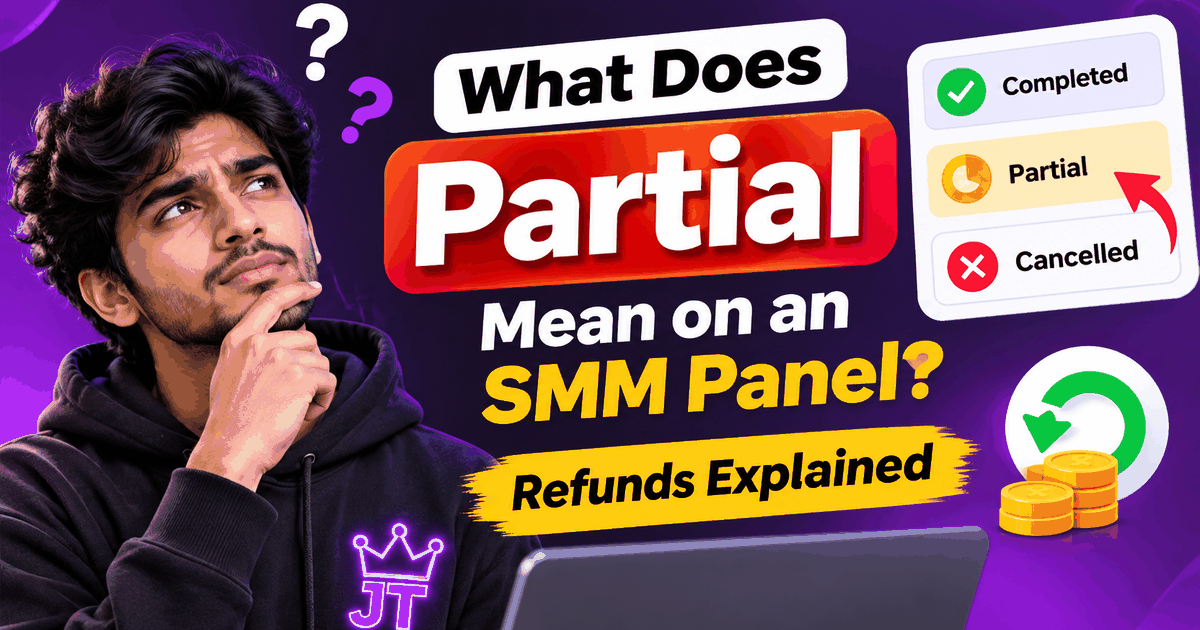
What Does Partial Mean on an SMM Panel? Refunds Explained
Partial on an SMM panel means your order delivered only some of the quantity you asked for, and the panel stopped there. We get this question in support. Someone ordered 1,000, the page shows 640, and they want to know where the rest went. Fair question. In this guide I'll cover what the status means, why it happens, what to check about your money, and what to do next without making things worse.
- Partial = part of the order was delivered and the rest was not. Not the same as Completed. Not the same as Canceled.
- The usual causes are supplier capacity, a target that changed, or a platform change in the middle of delivery.
- A refund for the missing part may be approved, and it goes to your panel balance. Check the balance first, then send support the order ID.
- Missing amount = the Remains number. Its value is order price × Remains ÷ quantity.
What Does Partial Mean on an SMM Panel?
An order usually starts as Pending, moves to Processing or In progress, and ends with a final status. Partial is one of the endings. It means the delivery system finished a portion of what you ordered and couldn't finish the rest.
Here's a simple example. Say you order 1,000 likes and the start count is 2,300. The order ends as Partial with 640 delivered. The Remains column will show 360. Those 360 are the likes you paid for but didn't get. That's your number.
Our own FAQ says the same. The order delivered only part of the original quantity, and the reason differs by service. It could be supplier capacity, the target, or a change on the platform.
If you've read what an SMM panel is, you know the panel sits between you and the suppliers who do the delivery. Partial is what you see when that chain can't finish the job. It's annoying, but on its own it isn't proof that anyone cheated you.
Partial vs Completed vs Canceled Orders
Here are the three statuses side by side.
| Status | What happened | What you should do |
|---|---|---|
| Completed | The full quantity was delivered | Nothing. Look at your post and enjoy it. |
| Partial | Only part of the quantity was delivered | Check Remains, your balance, then contact support if it looks wrong. |
| Canceled | The order was stopped, usually with nothing or very little delivered | Check the reason, then your balance. Re-order only when the cause is fixed. |
So if you ordered 1,000 and got 640, you're looking at Partial, not Canceled.
Why Do SMM Panel Orders Go Partial?
There isn't one cause, and the order page doesn't name it. The first three below come from our FAQ. The last one is about size.
The supplier ran out of capacity
Big orders, busy days and very cheap services all put pressure on the supplier. If it can only deliver 600 of your 1,000, the order ends as Partial.
The target changed during delivery
Switch the profile to private, rename the account, delete the post or change the link after you order, and delivery stops right where it is, even if only 200 of 1,000 have arrived. This is the easiest one to avoid. Leave the target alone until the order ends.
The platform changed something
Instagram, TikTok and the rest change things all the time. A service that worked yesterday can slow down or stop halfway through today. You can't see that coming, and neither can the panel.
The order was too big for that service
A supplier may manage a small order and stall on a huge one, even below the listed maximum. If you need a big number, drip feed splits it into smaller runs. Our drip feed calculator works out the numbers.
Do You Get a Refund on a Partial Order?
You may. Our refund policy says a partial refund may be approved when only part of the service was delivered, or when it stopped midway because of technical limits. The money goes back to your JT SMM Panel balance, not to your card or wallet.
It isn't promised for every order, though, because the policy leaves out orders where the link or username was wrong, and our FAQ adds that what happens to the balance depends on the rules of the service you picked. So check. It takes about 2 minutes.
- Open the order and read the Remains number. In the example above that's 360 out of 1,000.
- Work out what the missing part is worth, with the formula below.
- Look at your balance. If nothing came back and you think it should have, send support the order ID.
How to work out the missing amount
Multiply the order price by Remains, then divide by the quantity you ordered. These are example orders.
| You ordered | You paid | Remains | Missing part is worth |
|---|---|---|---|
| 1,000 | $1.20 | 360 | $0.43 |
| 5,000 | $4.00 | 1,500 | $1.20 |
| 10,000 | $9.00 | 2,500 | $2.25 |
For the first one it's 1.20 × 360 ÷ 1,000, which is 0.432. Do you resell? Then a Partial order also means you may owe your own customer. Our SMM profit calculator shows what refunds do to your margin.
Don't pay again for the missing part until you know where the money for it went. A second order on top can mean paying twice.

What to Do When Your Order Shows Partial
1. Don't re-order straight away
Stop. Look first. A second order for the full 1,000 can overlap with the 640 that already arrived, and then you've paid for 640 you already have.
2. Write down the numbers
Note the order ID, the service name, the quantity you ordered, the start count and the Remains figure, then take a screenshot of the order row so nobody has to guess later. 20 seconds. Done.
3. Check the target
Open the link you ordered for in a private browser window, where you aren't logged in, and look at it the way a stranger would. Is it public? Still there? If either answer is no, that's probably why.
4. Check your balance
Compare what you paid with what your balance shows now, as described above.
5. Contact support with the facts
Send the order ID, the delivered amount and the original order details. Please don't send your password or any login. Short and clear is enough: "Order 23501, Partial, ordered 1,000, Remains 360."
Can You Cancel an Order Before It Goes Partial?
Sometimes. An order can only be canceled when the service and its current status allow it, so one that's still waiting has a better chance than one that's already delivering, and even then asking for a cancel doesn't guarantee it happens.
If you typed the wrong link, tell support right away with the order ID. Waiting makes it harder, and a wrong link is also one of the cases our refund policy doesn't cover. If it's still sitting in the queue, our FAQ explains what Pending means.
Partial Orders vs Drops and Refills
These get mixed up, but they're different problems. Partial happens during delivery, when not all of the quantity arrives. A drop happens after delivery, when some followers or likes disappear days later. If your numbers fell after a Completed order, read what Real, HQ and Non-Drop mean on a panel instead.
How to Avoid Partial Orders Next Time
You can't stop every one, but these help.
- Read the service description before you pay. Look for the speed, the minimum and maximum, and any notes.
- Keep the profile public and the link unchanged until delivery ends.
- Split big orders, say 50,000 into five of 10,000, one after another, or use drip feed.
- Don't place 2 orders for the same link at the same time. They can clash.
- Try a test order of 100 or so on a new service first. We go through this in how to choose the best SMM panel.
Final Thoughts
A Partial order looks scary the first time. It tells you delivery stopped early, and that some of it did arrive. Look at what you got, check the target, check your balance and keep the order ID ready. If something doesn't match, support can check it faster with the numbers in front of them. You can browse our services and read each description before you order.
Frequently Asked Questions
What does Partial mean on an SMM panel?
It means the order delivered only part of the quantity you requested. The reason can be supplier capacity, the target or a platform change, and it varies by service.
Is a Partial order the same as a canceled order?
No. Partial means some of the quantity was delivered. Canceled means the order was stopped, usually with nothing or very little delivered.
Do I get my money back for a Partial order?
You may. Our refund policy allows partial refunds when only part of the service was delivered, and they go to your panel balance. It depends on the order and the service rules, so check your balance and send support the order ID.
How do I calculate a partial refund?
Multiply the order price by the Remains number and divide by the quantity ordered. For a $1.20 order of 1,000 with 360 remaining, the missing part is worth about $0.43.
Should I place the order again after it goes Partial?
Not right away. Check what was delivered and where the money for the rest went first. A full re-order can overlap with what already arrived.
Why did my order go Partial when I did nothing wrong?
It can be the supplier or the platform, not you. Capacity limits and platform changes can stop delivery partway through.
How do I stop orders from going Partial?
Keep the target public and unchanged, read the service description, split large quantities or use drip feed, and avoid placing two orders on the same link at once.