
How to Get More Views on Instagram Reels (Without Bots)
Want more views on Instagram Reels? Hook people in the first 3 seconds, keep them watching to the end, and make Reels people want to send to a friend. Those are the things Instagram measures most when it decides who sees your Reel. In this guide I'll show you how the Reels algorithm picks videos in 2026, a simple way to structure each Reel, why your views might be stuck, and why bots won't fix it.
- Open with a hook. Show the result or ask the question in the first 1 to 3 seconds.
- Keep it tight. Cut every pause. A 15 to 30 second Reel that people finish beats a slow 90 second one.
- Make it worth sending. Tips, jokes and "this is so you" moments get shared in DMs, and shares push Reels to new people.
- Post original video only. No reposts, no TikTok watermarks.
- Test with Trial Reels and post 3 to 5 times a week on one clear topic.
How the Instagram Reels Algorithm Picks Videos in 2026
Most people I talk to think Instagram counts likes and hashtags. It doesn't really work that way anymore, and I wish someone had told me sooner. Adam Mosseri, the head of Instagram, has said the three biggest signals for Reels are how long people watch, how many people like it compared to how many saw it, and how many people send it to someone.
Those numbers are counted "per reach". So a Reel shown to 500 people that gets 40 shares can do better than one shown to 5,000 people that gets 40 shares. Instagram tests every Reel with a small group first. If that group watches and shares, it gets shown to a bigger group, and so on.
Did people watch to the end, or even twice? This is the base of everything.
Shares in DMs matter most for reaching people who don't follow you yet.
Likes matter more for showing your Reel to people who already follow you.
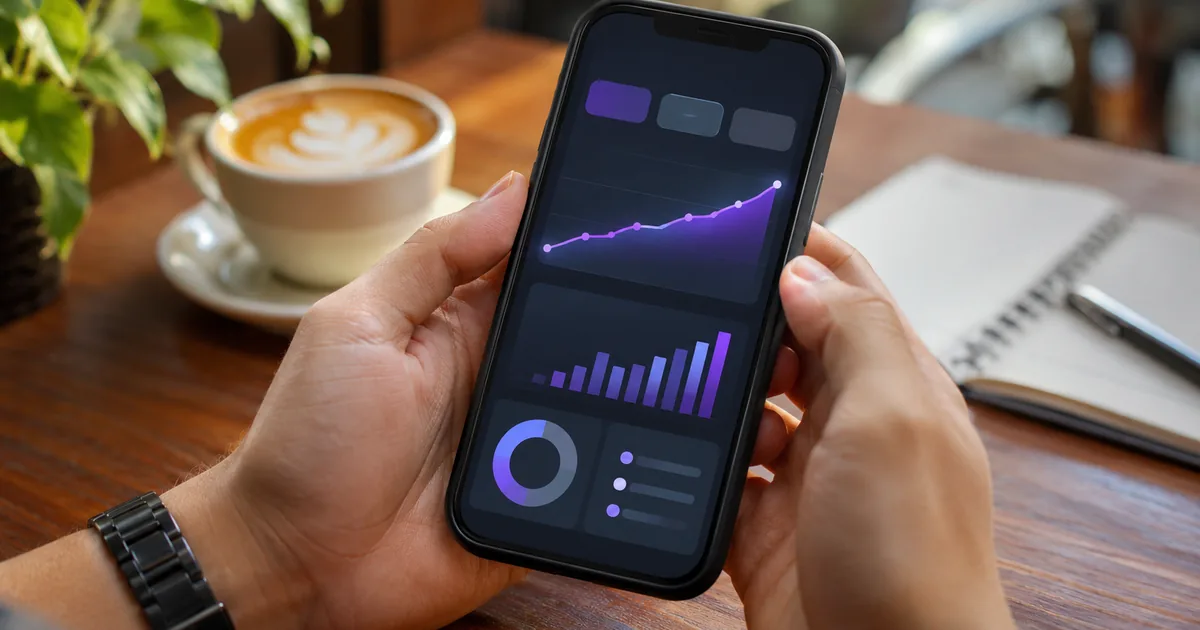
You can see all three in your Reel insights. Tap the Reel, then View insights. Look at average watch time, shares and likes, and always compare them to how many accounts it reached.
Hook Viewers in the First 3 Seconds
Every Reel lives or dies in the first few seconds. If someone swipes past, Instagram reads that as "not interesting" and stops showing it. So don't start with "Hi guys" or your logo. Start with the most interesting part.
A good hook does one of three things. It shows the end result, it asks a question the viewer wants answered, or it says something a bit surprising. Put the hook in text on screen too, because a lot of people watch with the sound off.
I posted 30 Reels in 30 days. This is what changed.A result people want to see.
Stop doing this if your Reels get under 300 views.A mistake the viewer might be making.
3 caption tricks nobody told you about.A short list they'll stay for.
Watch what happens when I...Curiosity that pays off at the end.
Structure Each Reel for Watch Time
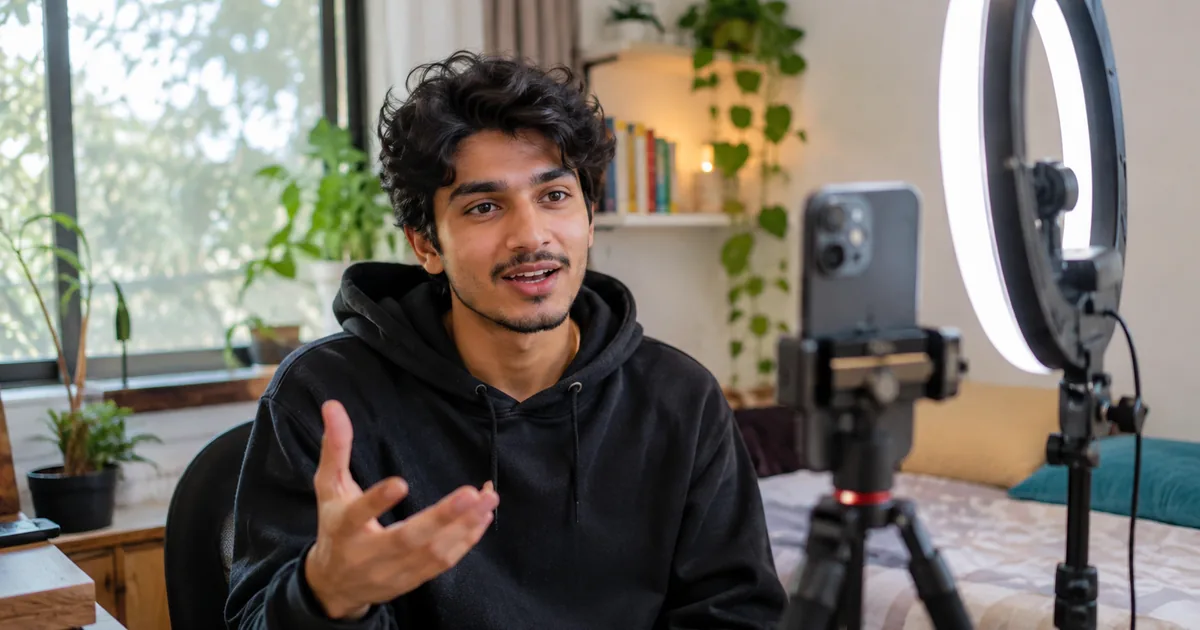
Once people stay past the hook, your job is to keep them until the last second. I use the same simple shape for almost every Reel. It works for tutorials, product videos and even funny ones.
Keep it short. I know it's tempting to say everything, but you'll lose people. Instagram lets you post Reels up to 3 minutes long now, but long isn't better by itself. If people drop off halfway, a long Reel just has a lower watch rate. For most accounts, 7 to 30 seconds is the safe range. Go longer only when the topic really needs it.
One more trick: make the ending flow back into the start. When the last line connects to the first, many people watch it twice without noticing, and that counts as extra watch time.
Make Reels People Want to Share
Sends are the signal I see most creators ignore. When someone sends your Reel to a friend, Instagram sees that as a strong vote, and it's the main way your Reel reaches people who don't follow you.
So before you post, ask yourself who would send this, and to whom. Some kinds of Reels get shared a lot more than others:
- Useful tips people want to save for a friend, like "how to fix this setting".
- Relatable moments, the "this is literally you" kind.
- Short stories with a twist at the end.
- Local things, like a food spot or a deal in your city.
You can also just ask. A simple line at the end like "send this to someone who needs it" works better than "like and follow", because it asks for the signal that matters most.
Post Original Content Only
This is the big change of the last two years. Instagram now checks whether an account mostly posts its own content. If most of your recent posts are reposts of other people's videos, your whole account can stop being recommended to non-followers, not just one Reel.
Adding a watermark, a border or a credit in the caption doesn't make someone else's video yours. Neither does a tiny crop. Reels with a TikTok or CapCut watermark on them also tend to get less reach. If you made the video on TikTok, download it without the watermark or export it again from your editor.
Check your Account Status. Go to your profile, open the menu, then find Account Status. It tells you if your content can be recommended to people who don't follow you. If something says it can't, fix or remove that post first. No posting tip will help while that's blocked.
Use Trial Reels to Test Ideas
Trial Reels let you show a Reel to non-followers first, without it appearing on your profile or to your followers. It's built for testing. If it does well, you can share it to your profile. If it flops, nobody who follows you saw it.
The way I use it is simple. Make two versions of the same Reel with different hooks, post both as trials, and keep the one with better watch time and shares. After a few weeks you'll know which hooks your audience likes. At the time of writing, Trial Reels are open to public professional accounts with at least 1,000 followers.
Captions, Hashtags and Audio
Instagram search now reads captions and the text on screen, so write captions with the words people actually search. If your Reel is a pasta recipe, say "easy creamy pasta recipe" in the caption, not just "dinner vibes 🍝".
Hashtags matter less than they used to, and I've mostly stopped worrying about them. Use a few that describe the Reel, and don't paste the same 30 tags on every post. They help Instagram understand the topic, but they won't push a weak Reel.
For audio, trending sounds can help a little, but only if they fit. Your own voice explaining something is often stronger, because it holds attention. Turn on auto captions so people watching on mute can follow.
Best Time and How Often to Post Reels
There's no single best time for everyone. Your best time is when your own followers are online. Open your professional dashboard, go to Total followers, and scroll down to Most active times. Post about an hour before that peak so the first test group is awake. If you're not sure, try two or three time slots for a couple of weeks and you'll see a pattern.
How often matters more than the exact hour. Three to five good Reels a week on one clear topic usually beats one Reel every day that you rush. When your Reels stick to one topic, Instagram learns who to show them to faster.
Why Your Instagram Reels Are Not Getting Views
We get this question in support a lot, usually from someone whose views suddenly dropped to 200 or 300. Most of the time it's one of these:
| What you see | Likely reason | What to do |
|---|---|---|
| Views stuck at 100 to 300 | Your test group swipes away early, so Instagram stops there | Fix the first 3 seconds. Show the result first. |
| Views dropped on every Reel | Account can't be recommended, often from reposts | Check Account Status. Remove reposted videos. |
| Good views, few new followers | Reels don't connect to one topic or profile | Pick one niche. Update your bio to match it. |
| Some Reels get 10x more than others | Those hooks or topics worked | Make more like the winners. Test with Trial Reels. |
| Views fine, then fall after a day | Normal. Most Reels get most views in 48 hours | Keep posting. Old Reels can pick up again later. |
If you've changed nothing and everything dropped at once, give it a week. Instagram changes things all the time, and accounts often bounce back once you post a few strong Reels in a row.
Why Bot Views Won't Grow Your Reels
I work at an SMM panel, so I'll be honest about this. Cheap Reel views cost almost nothing, some under a cent per 1,000. At that price they come from automated or low-activity accounts. They make the counter go up, and that's all they do.
- Raise the view number on the Reel
- Make a new Reel look less empty
- Arrive fast, often in minutes
- Watch to the end, so watch time stays low
- Share, save or send your Reel
- Follow you or buy anything
Since Instagram ranks Reels by watch time and sends, bot views can't push you onto the Explore page or into the Reels feed. A Reel with 50,000 views and 12 likes also looks odd to anyone who checks.
If you still want a small number on a new Reel so it doesn't sit at zero, keep it modest and use a slow service. Then let the real work above do the growing. Our guide to using an SMM panel safely on Instagram explains what's low risk and what isn't.
Final Thoughts
Getting more views on Instagram Reels comes down to a few habits. Hook people fast, keep the Reel tight, give them a reason to send it, and post your own content on one clear topic. Check your insights, keep what works, and drop what doesn't.
If you only change one thing, I'd start with your next three Reels. Write a stronger hook for each, cut them shorter than feels comfortable, and end with a reason to share. You'll see the difference in your watch time first, and the views follow that.
Frequently Asked Questions
How many views is good for an Instagram Reel?
It depends on your size. A good Reel usually gets more views than you have followers. For a small account, 1,000 to 5,000 views is a solid result. Compare each Reel to your own average, not to big creators.
Why are my Reels stuck at 200 views?
Usually the first test group is swiping away in the first few seconds, so Instagram stops showing it. Make your hook stronger and check Account Status to make sure your account can be recommended.
Do hashtags increase Reel views?
Only a little. A few relevant hashtags help Instagram understand the topic, but watch time, shares and likes decide how far a Reel goes.
How long should an Instagram Reel be?
For most accounts, 7 to 30 seconds. You can post up to 3 minutes, but only go long if people keep watching. Short Reels get finished more often.
Does deleting and reposting a Reel help?
Usually not. Reposting the same video can look unoriginal. Make a new version with a different hook instead, or test it as a Trial Reel.
Do bought views help the algorithm?
No. Bought views raise the counter, but they don't add real watch time, shares or follows, which are the signals Instagram uses to push Reels to more people.